
Creating the Perfect Contact Page for Your Website


In the digital age, your website serves as the primary gateway for potential customers to connect with your business. Among the various pages that constitute your site, the Contact Us page holds paramount importance. It’s not just a formality; it’s a strategic element that can significantly influence user trust, SEO rankings, and conversion rates.
Why a Contact Page Matters
A well-designed contact page serves multiple purposes:
- Builds Trust and Credibility: Displaying clear contact information reassures visitors that your business is legitimate and accessible.
- Enhances User Experience: An intuitive contact page makes it easy for users to reach out, improving overall satisfaction.
- Boosts SEO: Search engines value pages with clear contact information, especially for local SEO.
- Increases Conversions: A user-friendly contact page can lead to higher engagement and more inquiries.
Essential Elements of an Effective Contact Page
To create a contact page that meets both user expectations and SEO best practices, consider including the following elements:
1. Clear Contact Information
Provide multiple ways for visitors to contact you:
- Email Address: Use a generic email (e.g., info@yourdomain.com) to prevent spam.
- Phone Number: Include a clickable number for mobile users.
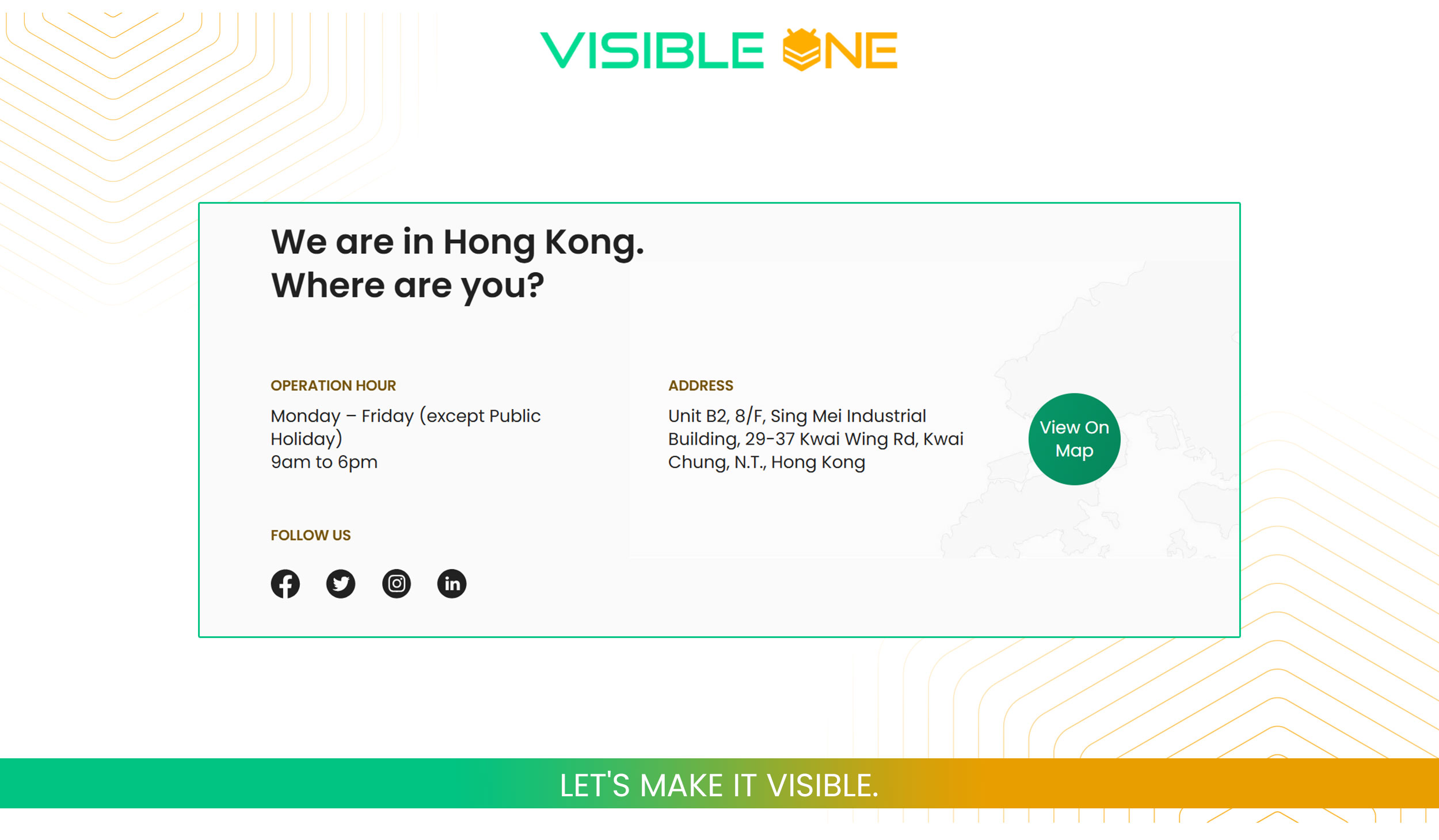
- Physical Address: If applicable, display your business location to enhance local SEO.
- Social Media Links: Offer alternative communication channels.
2. User-Friendly Contact Form
Design a simple form that asks for essential information only:
- Name and Email: Basic identifiers.
- Message Field: Allow users to describe their inquiry.
- Dropdown Menu: Let users select the purpose of their contact (e.g., support, sales).
Keep the form concise to encourage submissions.
3. Interactive Map
Embed a Google Map if you have a physical location. This not only helps visitors find you but also boosts local SEO.
4. Business Hours
Clearly state your operating hours and time zone. This sets expectations for response times and enhances user trust.
5. Call to Action (CTA)
Encourage visitors to take the next step, whether it’s scheduling a consultation, requesting a quote, or signing up for a newsletter. Use clear and compelling language.
Design Best Practices
An aesthetically pleasing and functional design can make a significant difference:
- Simplicity: Avoid clutter; a clean layout enhances usability.
- Mobile Optimization: Ensure the contact page is responsive and easy to navigate on mobile devices.
- Accessibility: Make the page accessible to all users, including those with disabilities.
- Visual Appeal: Use consistent branding and design elements to maintain a professional appearance.
SEO Optimization Tips
To improve your contact page’s visibility in search engines:
- Title Tag: Use a clear and concise title, such as “Contact Us | Your Business Name”.
- Meta Description: Craft a compelling description that includes relevant keywords.
- Schema Markup: Implement structured data to help search engines understand your contact information.
- Internal Linking: Link to the contact page from other relevant pages on your site.
Common Mistakes to Avoid
To ensure your contact page is effective:
- Overcomplicated Forms: Requesting too much information can deter visitors.
- Hidden Contact Information: Make sure contact details are easy to find.
- Lack of Mobile Optimization: Test the page on various devices to ensure compatibility.
- Ignoring User Feedback: Regularly update the page based on user input and analytics.
Conclusion
A well-crafted contact page is more than just a form; it’s a vital component of your website that can enhance user experience, improve SEO, and drive conversions. By incorporating the elements and best practices discussed, you can create a contact page that not only meets user expectations but also contributes to your business’s success.